Last updated: October 2026 · Written by the IPTVMeezzy team · tested with VLC 3 on Windows 11, macOS, Android TV and iOS.
The short answer
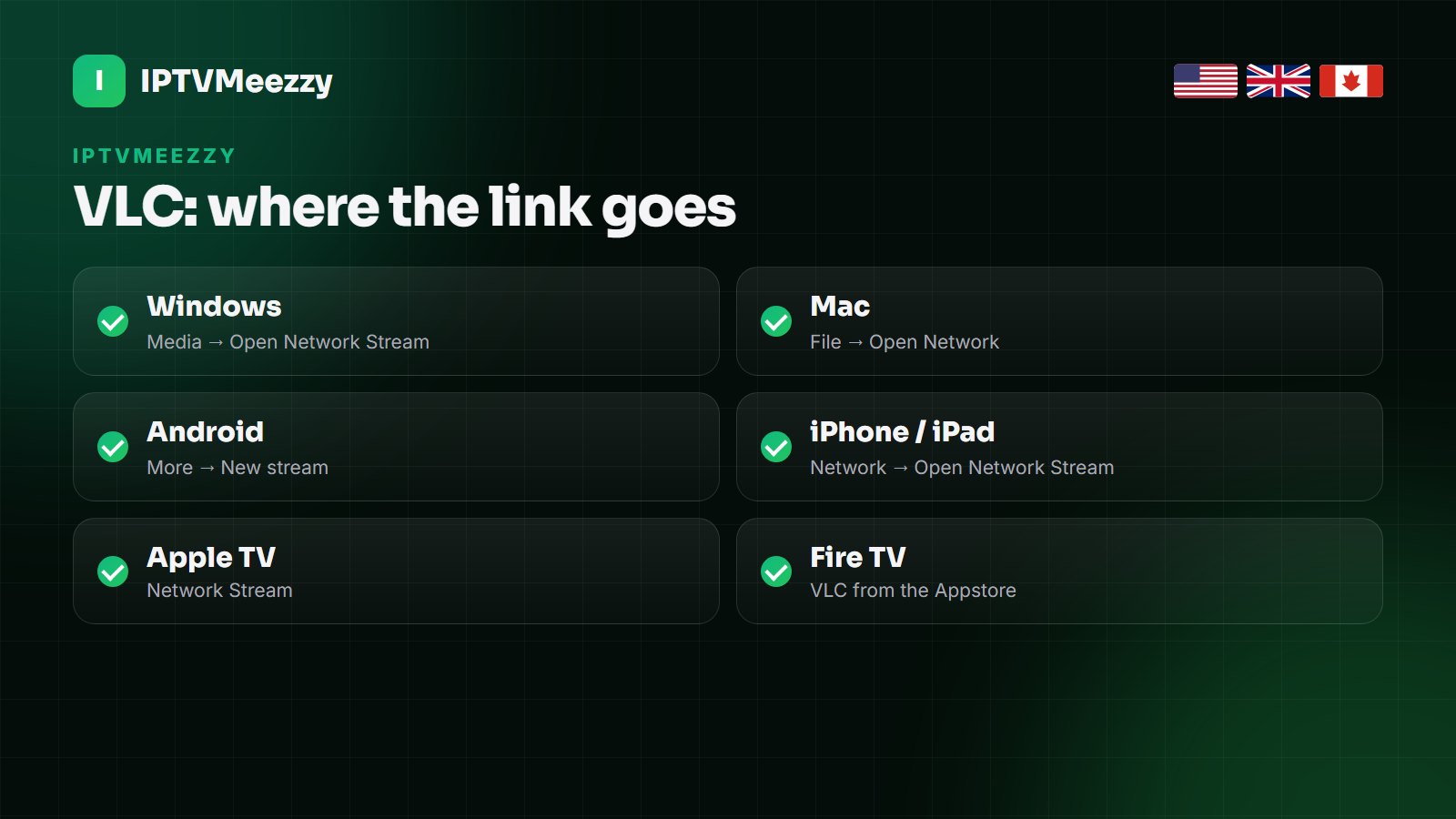
To watch IPTV on VLC, copy your provider’s M3U link, open VLC and choose Media → Open Network Stream on Windows (File → Open Network on a Mac, New stream on Android, Network → Open Network Stream on iPhone and iPad), paste the link and press Play. VLC loads the playlist and plays any channel you pick. It is free and works almost everywhere, but it has no TV guide grid, no Xtream Codes login and no catch-up, so it is best for a computer, for testing a line, or for a quick watch — not for everyday TV on the living-room screen.
VLC is the media player almost everyone already has, and it can play IPTV without any extra add-on. That makes it the quickest way to check that a new line works, to watch a match on a laptop, or to get IPTV on a computer where the dedicated apps are clunky. This guide covers every device VLC runs on, the settings that stop buffering, and the errors you are most likely to hit.
What you need
- VLC media player, free from videolan.org or your device’s official app store. Avoid download sites that bundle extra software.
- Your M3U link. VLC cannot log in with Xtream Codes (server, username, password), so use the M3U link from your IPTVMeezzy email. If you only have Xtream details, support can send the link, or see the section below on building it.
- A connection of 15–25 Mbps on the device: about 15 Mbps for HD and 25 Mbps for Full HD.
VLC on Windows
- Open VLC and choose Media → Open Network Stream (or press Ctrl+N).
- Paste the M3U link into the network URL box and click Play.
- VLC loads the list and starts the first channel. Press Ctrl+L to open the playlist and see every channel.
- Type in the playlist’s search box to find a channel — sky sports, espn, tsn — and double-click to play it.
To avoid pasting the link every time, open the playlist with Ctrl+L once it has loaded, then use Media → Save Playlist to File and keep the .m3u file on your desktop. Double-clicking it opens the list in VLC.
VLC on Mac
- Open VLC and choose File → Open Network (or press Cmd+N).
- Paste the M3U link into the URL field and click Open.
- Open the playlist with Window → Playlist (Cmd+Shift+P) and use the search field to find channels.
If macOS warns that VLC cannot be opened, right-click VLC in Applications and choose Open once; this only happens on the first launch of an app downloaded outside the App Store.
VLC on Android phones, tablets and Android TV
- Install VLC for Android from Google Play.
- Open it and go to More (the three dots), then New stream (on Android TV: Browse → Stream).
- Paste or type the M3U link and confirm. The playlist opens and the channels play in order.
- Use the playlist button to jump to a channel.
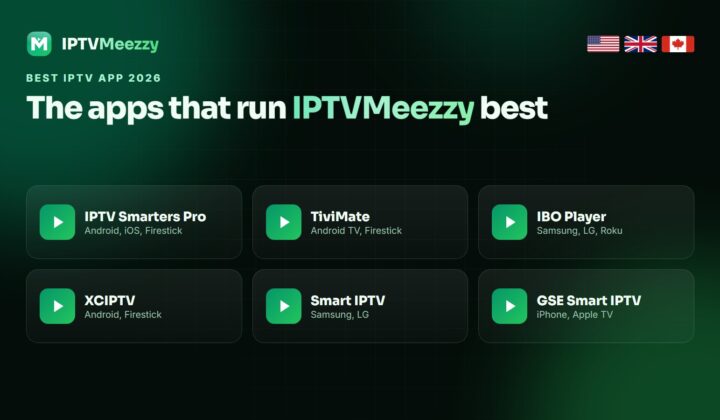
On Android TV typing a long link with the remote is slow. Send the link to yourself and paste it on a phone running VLC instead, or use a dedicated player such as TiviMate on the TV — our best IPTV app guide compares them.
VLC on iPhone, iPad and Apple TV
- Install VLC for Mobile from the App Store (the same app runs on Apple TV).
- On iPhone or iPad, open the Network tab and choose Open Network Stream; on Apple TV choose Network Stream.
- Paste the M3U link and tap Open Network Stream.
- VLC keeps the link in its history, so next time it is one tap.
On Apple TV, VLC’s Remote playback option lets you add the link from a browser on your phone or computer instead of typing it with the Siri Remote.
VLC on Fire TV Stick
VLC is in the Amazon Appstore, so there is nothing to sideload: search for VLC, install it, and open a network stream exactly as on Android. It plays well, but on a Fire TV Stick you will usually be happier with a player built for IPTV, because it adds the TV guide and favourites. Our Firestick IPTV guide and the IPTV Smarters Pro setup take about ten minutes.
Stop buffering: the VLC settings that matter
VLC’s default buffer is short, which suits files on a disk better than live streams over the internet. If channels stutter, give it more room:
- Windows and Linux: Tools → Preferences, choose All at the bottom left, then Input / Codecs.
- Set Network caching (ms) from 1000 to 3000 and save. On a Mac the same setting is under VLC → Preferences → Show All → Input / Codecs.
- Restart VLC and play the channel again.
If the picture still breaks up on 4K channels, pick the FHD version of the channel, turn on hardware-accelerated decoding (Input / Codecs → Hardware-accelerated decoding), and use Ethernet. Our buffering guide covers the router and DNS side.
Making VLC easier to use for IPTV
- Save a short playlist. Load the full list once, delete the groups you never watch in the playlist window, and save what is left as my-channels.m3u. It opens in seconds.
- Use the media library. On a computer, drag the playlist into VLC’s Playlists section so it is one click from the sidebar.
- Learn three shortcuts: N and P for next and previous channel, F for full screen.
- Pick the right quality. Where a channel comes in 4K, FHD and HD, the FHD version is the best balance on most laptops and Wi-Fi connections.
Common VLC errors and what they mean
| What VLC says | Usual cause | Fix |
|---|---|---|
| “Your input can’t be opened” | Wrong or expired link, or a typo | Copy the link again from the email; check the plan has not expired |
| Playlist loads, channel will not start | Too many screens playing | Stop the stream on your other device, or add a connection |
| Sound but no picture | The channel uses HEVC/H.265 | Update VLC; turn hardware decoding on, or pick the HD version |
| Picture freezes every few seconds | Buffer too short or weak Wi-Fi | Set network caching to 3000 ms; use Ethernet or 5 GHz |
| Playlist takes minutes to load | The full list is very large | Ask support for a shorter M3U with only your countries |
Only have Xtream Codes details?
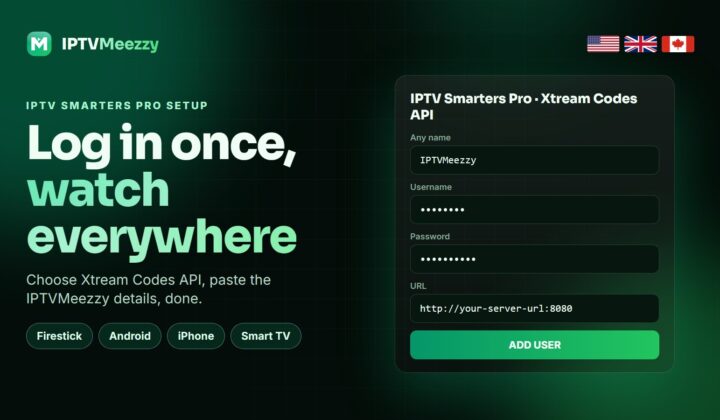
VLC needs an M3U address, but most providers can turn Xtream Codes details into one. The standard format puts your server address, username and password into a single link ending in type=m3u_plus&output=ts; IPTVMeezzy support sends it ready-made on request, which avoids typos. If you mix up the login types, our Xtream Codes guide explains what each field is for.
Casting IPTV from VLC on a phone to your TV
VLC for Android and VLC for iPhone can send what they play to a Chromecast or a Google TV device on the same Wi-Fi. Start a channel in VLC, tap the cast icon in the player and choose the TV. The phone does the work of fetching the stream, so keep it on the charger and close to the router.
- Casting is handy for a quick match on a TV that has no IPTV app, or in a hotel room with a Chromecast.
- VLC may convert the stream for the TV while casting, which uses battery and can add a few seconds of delay.
- For everyday viewing, installing a player on the TV device itself is smoother and frees your phone.
Apple TV owners can use AirPlay from the iPhone the same way, though installing VLC or a dedicated player directly on the Apple TV gives a better picture.
Recording a channel in VLC
VLC can record what you are watching. On Windows, open View → Advanced Controls and press the red record button while a channel plays; press it again to stop. The file is saved to your Videos folder. Recording uses the same connection as watching, and Full HD takes roughly 3–5 GB an hour, so keep an eye on disk space.
VLC compared with dedicated IPTV players
| VLC | IPTV Smarters Pro | TiviMate | |
|---|---|---|---|
| Price | Free | Free | Free, Premium a few dollars a year |
| Login types | M3U only | Xtream Codes, M3U | Xtream Codes, M3U |
| TV guide grid | No | Yes | Yes, the best |
| Catch-up | No | Yes | Yes |
| Movies and series browser | No | Yes, with posters | Basic |
| Recording | Manual button | Yes (Android) | Yes (Premium) |
| Runs on | Almost everything | Android, Fire TV, iOS, Windows, Mac | Android TV, Fire TV |
The short version: VLC to test and to watch on a computer, Smarters for phones and mixed live and on-demand viewing, TiviMate for the living-room TV.
When VLC is the wrong tool
- You want a TV guide grid with what is on now and next — VLC has none.
- You want catch-up, series seasons with posters, or a resume point in films — dedicated players do this, VLC does not.
- You watch on the main TV every day — TiviMate or IPTV Smarters Pro are faster to use with a remote.
- The playlist has tens of thousands of channels and loads slowly — an Xtream Codes player loads categories on demand instead.
Think of VLC as the universal test tool and the laptop player. For the living room, set up a proper IPTV app once and you will not go back.
Other IPTV services to compare
All of these services also supply M3U links that open in VLC:
- DrogonTV — 80,000+ channels with PPV for the UK, USA and Canada, paid once with no auto-renewal.
- Televixy IPTV — 90,000 live channels and 280,000 movies and series for the UK, USA and Canada, with a 24-hour trial.
- Euroskara IPTV — 80,000+ channels for the UK, USA and Canada with the European line-up included.
- TrendyScreen IPTV — 80,000+ live channels and 240,000 movies and series in 4K and FHD, plans from $15.
- Nexomir IPTV — 80,000+ channels for the UK, USA and Canada with a built-in VPN and anti-freeze servers.
Frequently asked questions
Can VLC play IPTV?
Yes. VLC opens IPTV M3U links on Windows, Mac, Android, iPhone, Apple TV and Fire TV: choose Open Network Stream, paste the link and press Play.
How do I add an IPTV playlist to VLC?
Copy the M3U link from your provider, open VLC, choose Media → Open Network Stream (File → Open Network on a Mac), paste it and press Play. Save the playlist to a file to open it with one click next time.
Can I use Xtream Codes in VLC?
Not directly. VLC needs an M3U link; your provider can turn your Xtream Codes details into one.
Why does IPTV buffer in VLC?
Usually a short buffer or weak Wi-Fi. Raise Network caching to 3000 ms in VLC’s preferences, use Ethernet, or pick the FHD version of the channel.
Does VLC show a TV guide for IPTV?
No. VLC lists the channels but has no EPG grid or catch-up. Use TiviMate or IPTV Smarters Pro if you want a guide.
Is VLC safe for IPTV?
Yes, when you install it from videolan.org or your device’s official store. Avoid repackaged downloads from other sites.
Test IPTVMeezzy in VLC tonight
Ask for the free trial, paste the M3U link into VLC, and check your channels in minutes. 75,000+ live channels and 260,000+ movies and series; plans from $15, Lifetime $150 once. See the plans.