Last updated: October 2026 · Written by the IPTVMeezzy team · tested on a MAG 524w3, a Zgemma H9S and a Formuler Z11 Pro.
The short answer
MAG boxes, Enigma2 receivers and Formuler devices do not use a username and password like IPTV Smarters — they are activated by their MAC address. You send us the MAC printed on the back of the box, we link it to your IPTVMeezzy subscription, and you type the portal URL we return into the box’s settings. On Enigma2 we send a one-line install command instead. The whole setup takes about ten minutes.
Before you start
- Find the MAC address. It is on a sticker under or behind the box and starts with
00:1A:79on MAG devices. On Formuler it is under Settings → About; on Enigma2 under Menu → Information → About. - Send it to us on WhatsApp with the plan you want. We reply with your portal URL (MAG and Formuler) or install command (Enigma2), usually within a few minutes.
- Connect the box by cable if you can. These boxes have good Ethernet ports and older models have weak Wi-Fi.
Setting up IPTVMeezzy on a MAG box
These steps work on MAG 254, 256, 322, 324, 349, 351, 420, 424 and 524. Menus look slightly different between firmware versions, but the path is the same.
- Turn the box on and wait for the main portal screen. Press SET (or Settings) on the remote.
- Open System settings, then Servers, then Portals.
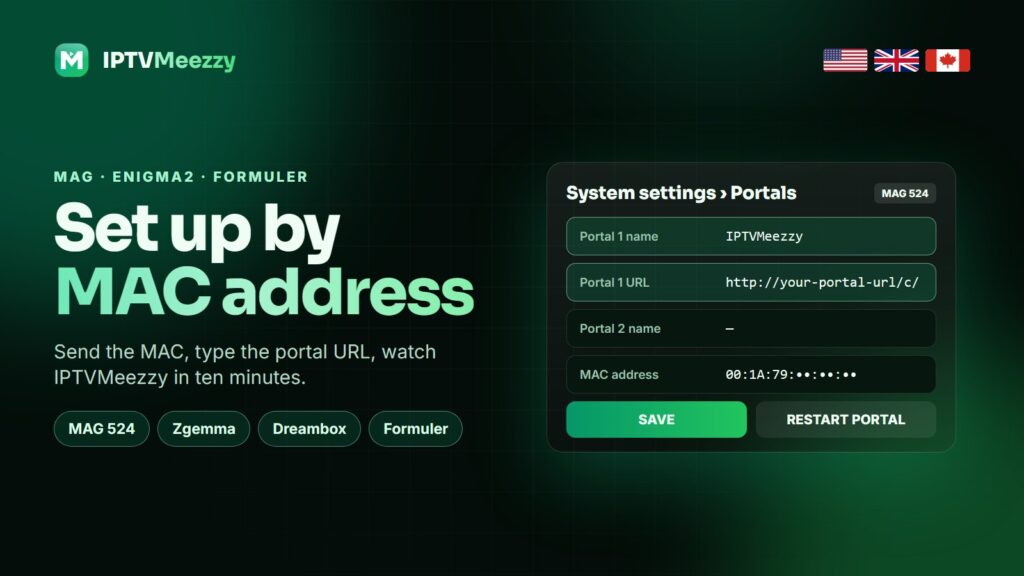
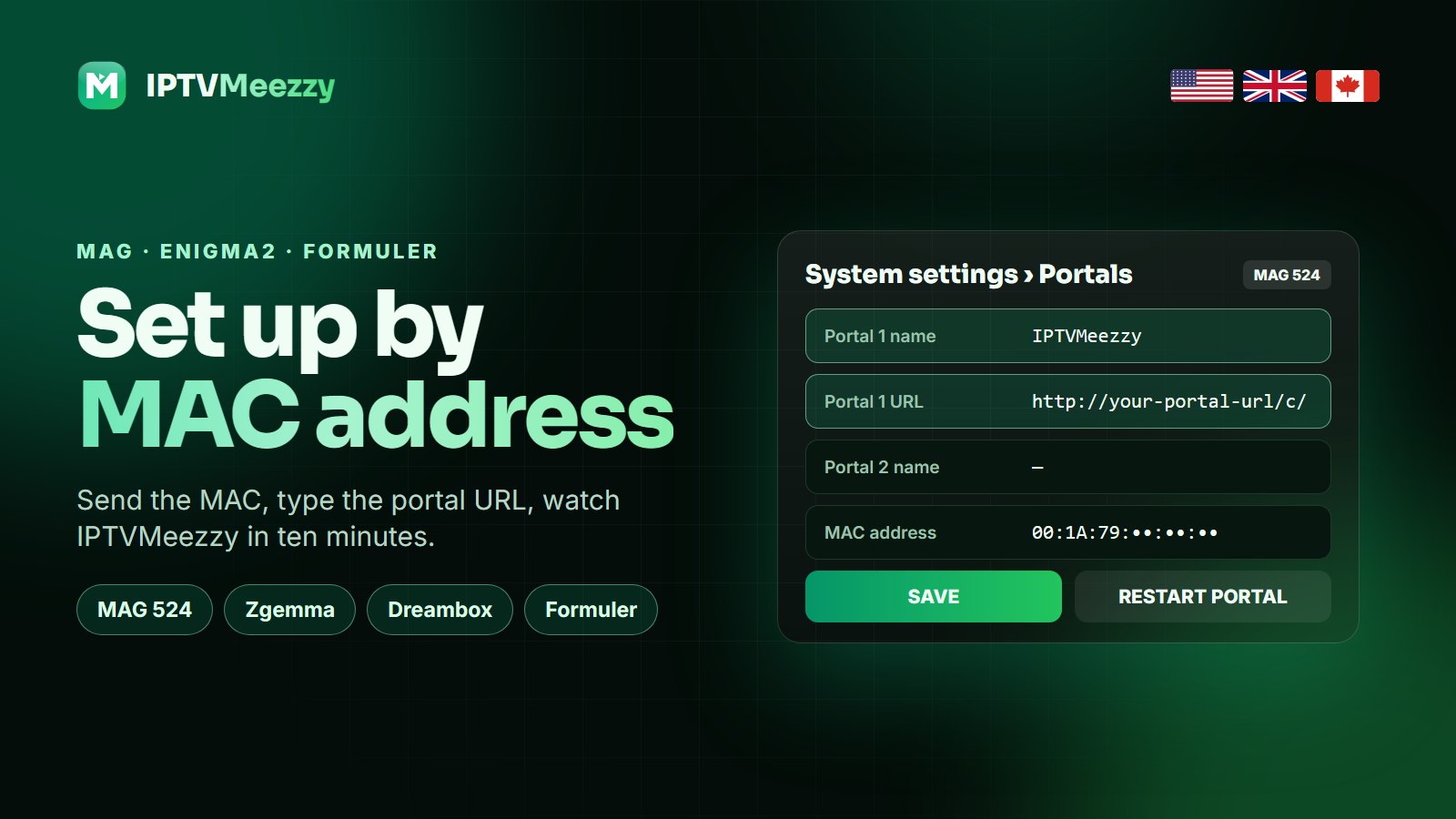
- In Portal 1 name type
IPTVMeezzy. In Portal 1 URL type the portal address we sent you, exactly as written, includinghttp://and the final/c/. - Leave Portal 2 empty, press OK to save and go back.
- Choose Restart portal (or unplug the box for ten seconds). The box loads the IPTVMeezzy portal with Live TV, Movies and Series.
Tip: On newer MAG 524 and 544 boxes running the Infomir launcher, open Settings → Portals → Add portal instead; the fields are the same.
Setting up IPTVMeezzy on Enigma2 (Dreambox, Zgemma, Vu+, Octagon)
Enigma2 receivers load IPTV as bouquets, so channels appear in the same list as your satellite channels.
- On the receiver, open Menu → Information → About and note the IP address of the box (for example
192.168.1.50). - On a PC on the same network, open a terminal (PuTTY on Windows, Terminal on Mac) and connect with
telnet 192.168.1.50. The default user is usuallyrootwith no password. - Paste the one-line install command we sent you and press Enter. It downloads your IPTVMeezzy bouquet and EPG source.
- When it finishes, type
reboot. After the restart the IPTVMeezzy bouquets are at the top of your channel list.
If you prefer an app, the XStreamity or Jedi Maker Xtream plugins also work with the Xtream Codes details we can send instead of the bouquet.
Setting up IPTVMeezzy on Formuler (MyTVOnline 2 and 3)
- Open MyTVOnline from the home screen.
- Choose Add portal. Give it the name
IPTVMeezzyand paste the portal URL we sent you. - Press Connect. MyTVOnline downloads the channels and the TV guide; the first load takes a minute or two.
- Open Settings → Player and set the buffer to Medium for smooth live sport.
Formuler boxes run Android too, so you can also install TiviMate or IPTV Smarters Pro from the Play Store and log in with Xtream Codes — see our IPTV Smarters Pro setup and the Xtream Codes guide.
Common errors and how to fix them
| Message on screen | What it means | Fix |
|---|---|---|
| “Your STB is blocked” or “MAC not registered” | The MAC we activated is not the one on the box | Send us a photo of the sticker; one wrong character is enough to block it |
| “Portal loading” forever | The URL is incomplete or the box has no internet | Re-type the URL with http:// and /c/, test the network in System settings |
| Channels load, but no TV guide | EPG still downloading | Wait 5 minutes, then restart the portal; the guide covers 7 days |
| Picture freezes on sports | Wi-Fi drops or buffer too small | Use Ethernet, raise the buffer, choose the FHD version of the channel |
| Enigma2: no bouquets after reboot | Command did not finish | Run it again and wait for “done” before rebooting |
Is a MAG box still worth buying in 2026?
If you already own one, absolutely: MAG and Formuler boxes are stable, simple for older family members and need no app updates. If you are buying new, an Android TV box or a Firestick 4K Max gives you more apps for the money; our Android TV box guide compares them. Whichever device you use, the IPTVMeezzy line, channels and TV guide are identical.
Other set-top box guides
- MAG box portal setup guide — StrimoIPTV’s portal walkthrough, handy if your MAG runs an older firmware menu.
- Formuler MYTVOnline setup guide — DrogonTV’s MyTVOnline steps for Formuler owners.
- What is EPG on IPTV? — Nartiel8K explains how the TV guide works and how to fix a missing EPG.
Frequently asked questions
Which MAG boxes work with IPTVMeezzy?
Every MAG model from the 250 series onward: 254, 256, 322, 324, 349, 351, 420, 424, 524 and 544. Older 200-series boxes may work but are too slow for 4K.
Where do I find the MAC address of my MAG box?
On the sticker under or behind the box. It starts with 00:1A:79. You can also see it in Settings, under Device info.
Can I use the same subscription on a MAG box and a Firestick?
Yes, as long as your plan allows that many devices at the same time. The 1 Year plan allows 2 and the Lifetime plan allows 5.
Does IPTVMeezzy work on Enigma2 receivers?
Yes. We send a one-line install command that adds IPTVMeezzy bouquets and the EPG to Dreambox, Zgemma, Vu+, Octagon and other Enigma2 boxes.
Does Formuler need a portal or an app?
Either. MyTVOnline uses a portal URL linked to your MAC address; TiviMate or IPTV Smarters Pro on the same box use Xtream Codes details.
Get your portal URL in minutes
Send us your MAC address on WhatsApp for a free 24-hour IPTVMeezzy trial on your MAG, Enigma2 or Formuler box.